Checking important notices
Note:
Only superusers can view important notices.
You can see if there are any important notices that you need to be aware of on the Mavis national reporting dashboard.
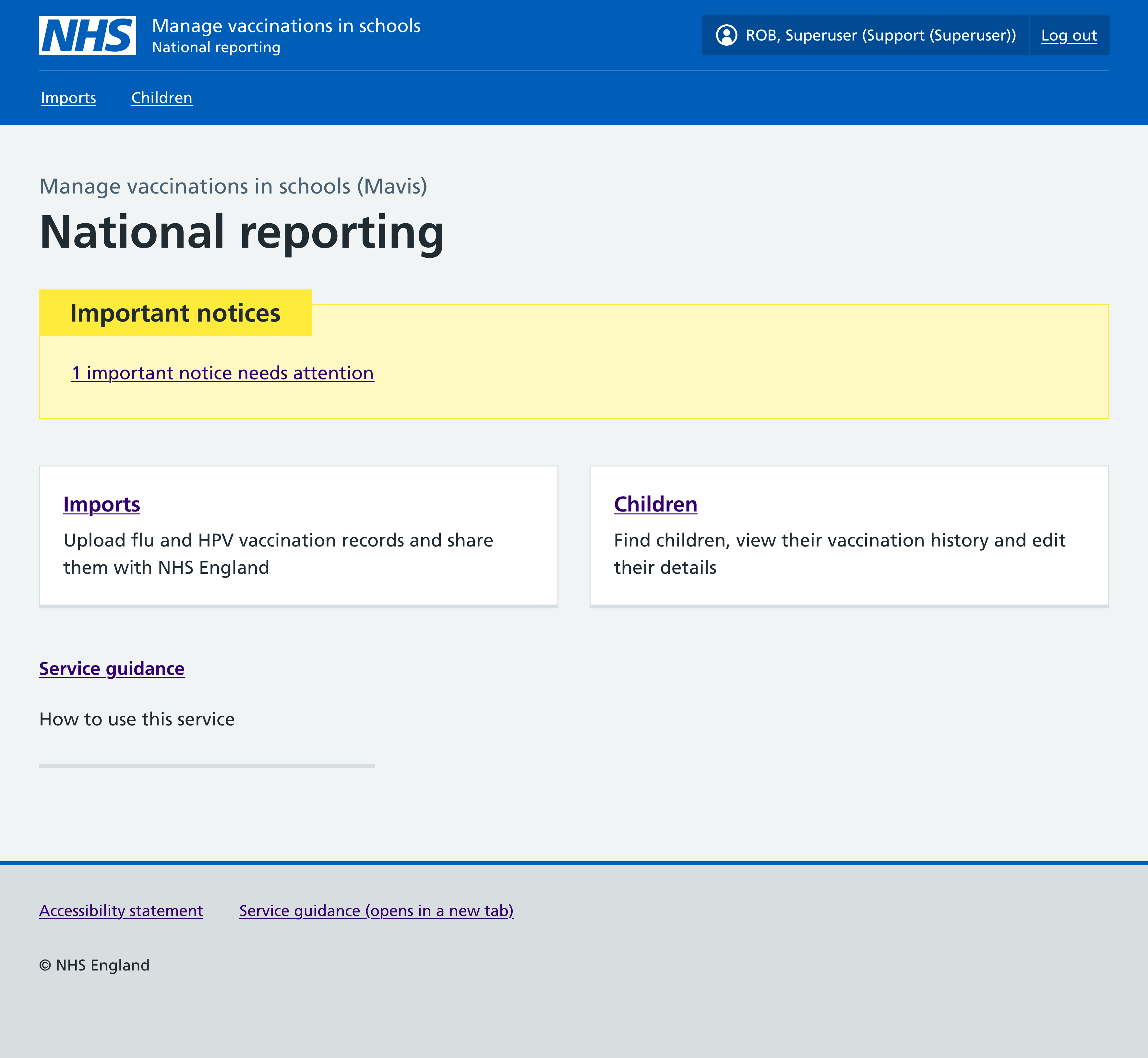
Examples of important notices include:
- records flagged as invalid if a child has no NHS number or 2 NHS numbers, for example, in cases of adoption
- records flagged as sensitive, for example, if a child is in witness protection or if there’s an ongoing police investigation
- child is deceased
Once you have seen and, if necessary, acted on an important notice, you can dismiss it.
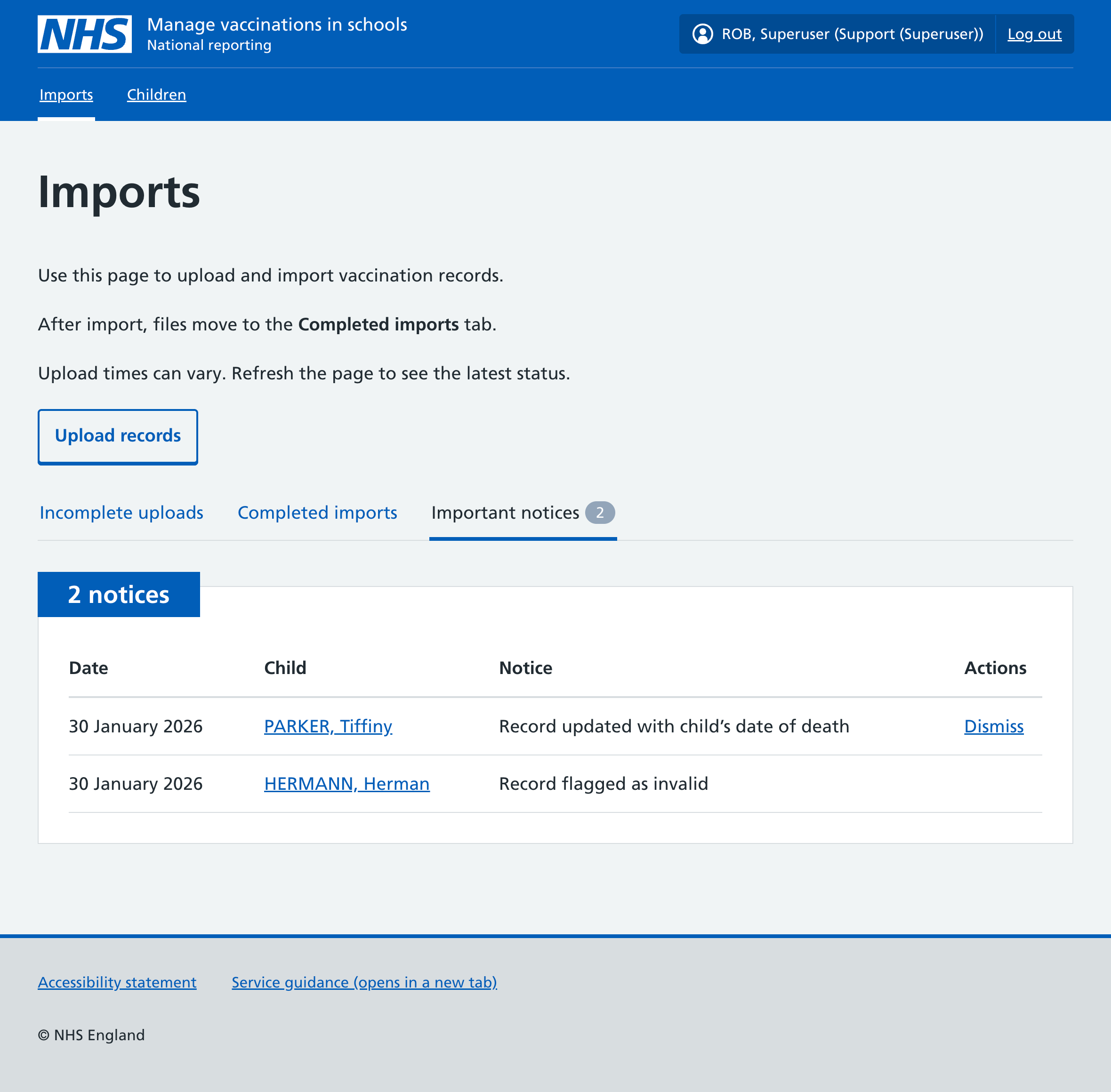
If you dismiss an important notice it will disappear from the Import page for all superusers in your team. It will still be visible on the child’s vaccination record.