Finding and editing vaccination records
Finding vaccination records
To find a vaccination record that has already been imported:
- Select the Children tab or card.
- Search for a child’s record by entering their name or NHS number. You can also filter search results by year group or date of birth.
- Click on the child’s name to see their vaccination record.
Adding or updating NHS numbers
Mavis will automatically replace any incorrect NHS numbers in your upload or add any missing ones found by searching the NHS Patient Demographics Service (PDS, sometimes called ‘the Spine’) overnight.
You can also manually add or change an NHS number by editing the child’s details.
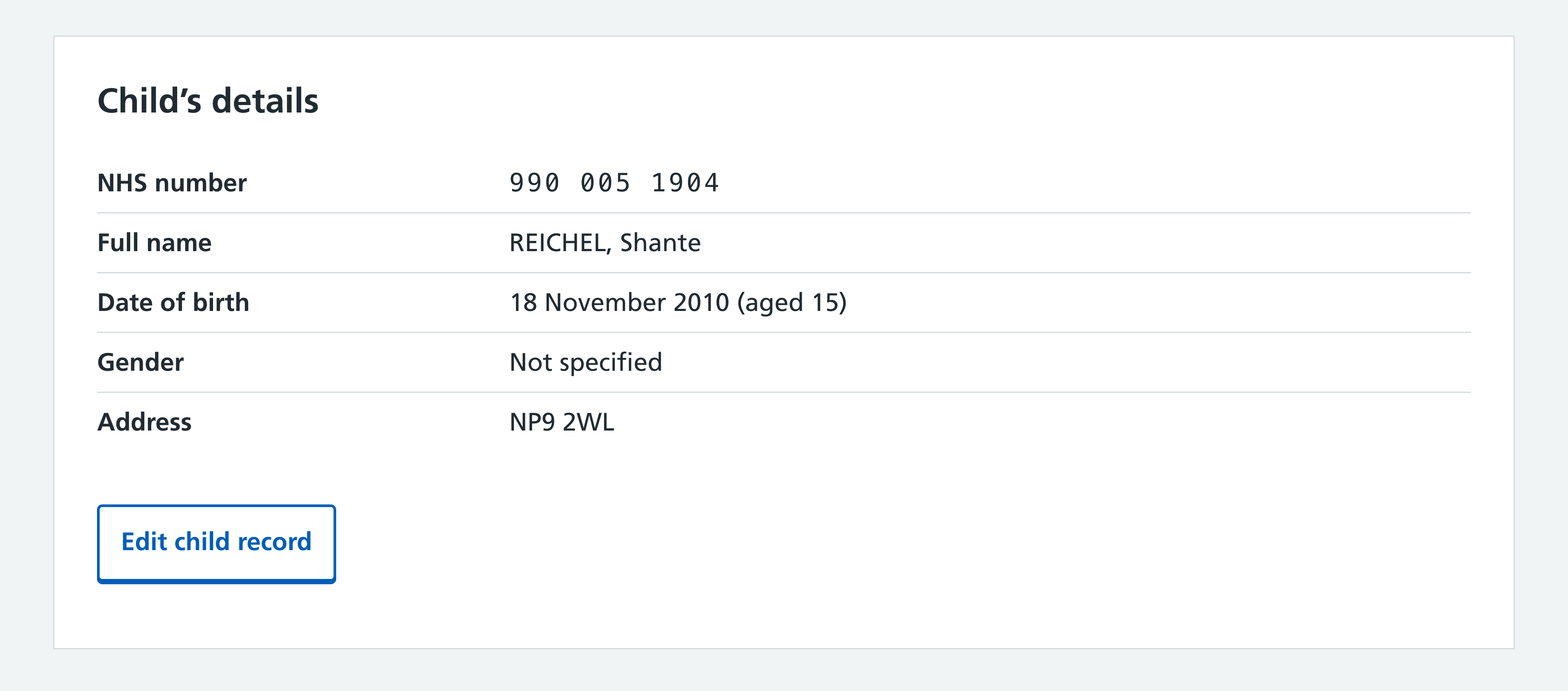
- Open the child’s record by clicking on their name.
- Select Edit child record.
- On the NHS number row, select Change.
- Enter or update the NHS number then select Continue.
- Select Continue again.
Note:
If an NHS number is invalid, Mavis will not send that child’s vaccination record to NHS England. A superuser can identify invalid NHS numbers through important notices.
Editing a vaccination record
To edit a vaccination record:
- Open the child’s record by clicking on their name.
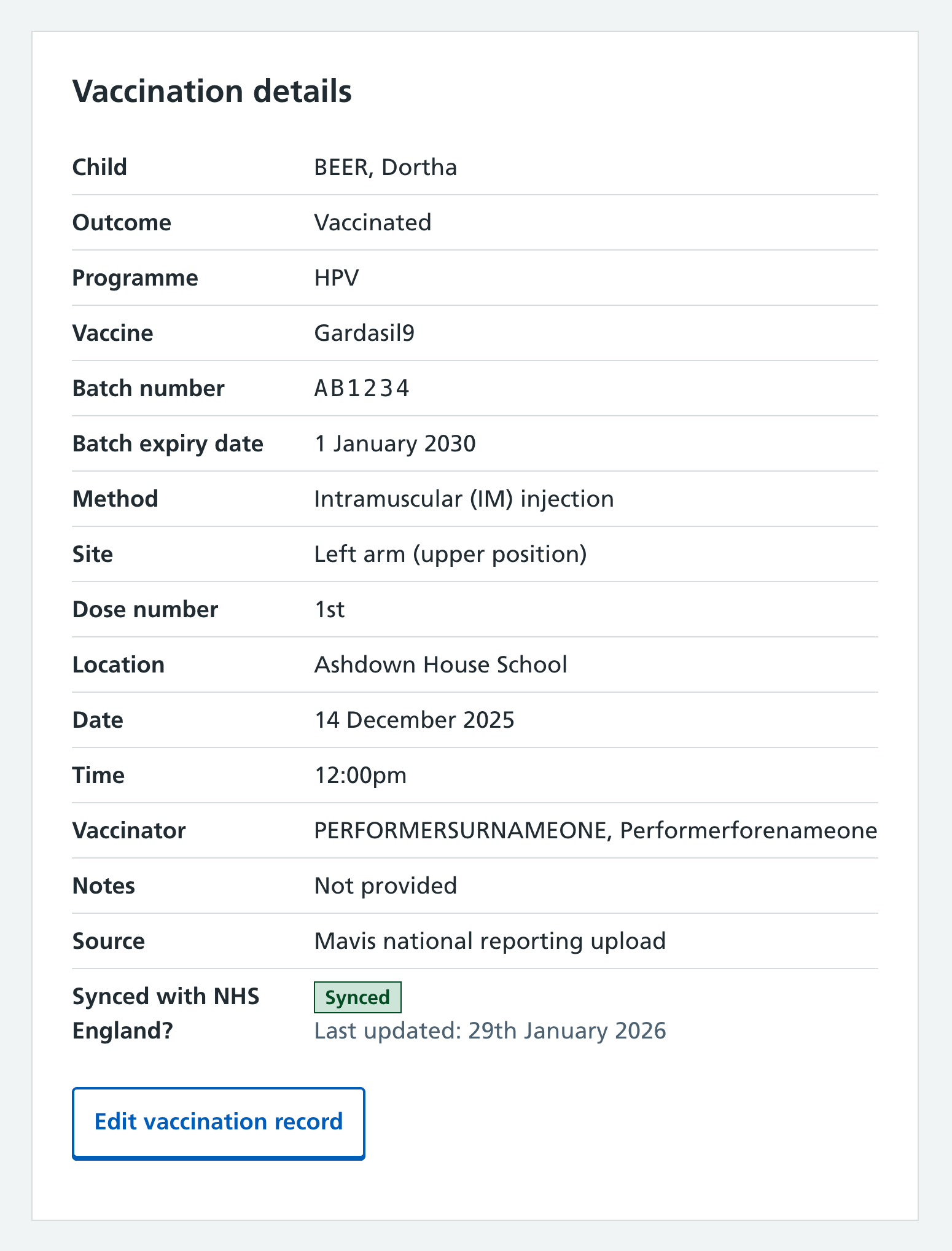
- On the vaccinations card, click on the date of the vaccination record you need to edit. This displays the full vaccination record.
- Select Edit vaccination record.
- Make any changes by selecting Change.
- Select Continue.
- When you’ve made all necessary changes, select Save changes.
You can only edit records uploaded by your SAIS team. You can view records uploaded by other teams – for example, if a child moved into your area – but you cannot edit these records.