Registering attendance of children in sessions
You can register children’s attendance at vaccination sessions in Mavis.
If this feature is enabled for your team, you can only record vaccinations for children who are registered as attending a session.
This feature can be switched off on the Edit session page.
If you switch it off, all children with consent (and ‘safe to vaccinate’ triage outcomes, where relevant) will appear in ‘Record vaccinations’.
When a session is in progress, you can quickly see whether a child has been registered by looking at the Registration status shown on each child’s summary card.
To register a child as attending or absent:
- Go to Sessions.
- Filter for In Progress sessions.
- Find the session you’re interested in and select it.
- Filter for Not registered yet. You’ll see a list of all children who have not been registered yet.
- Find the child’s name, then select the Attending or Absent button.
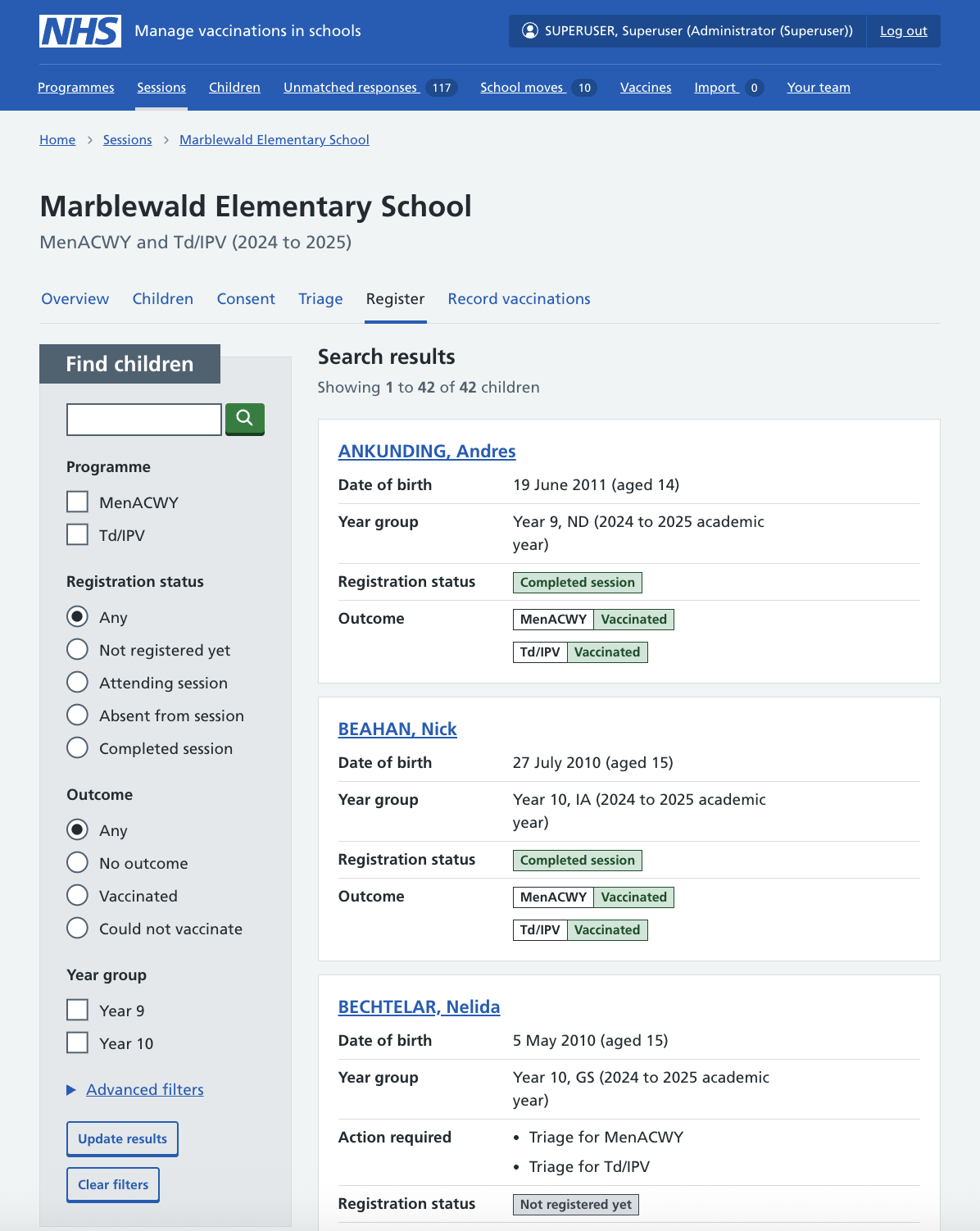
You can update a child’s attendance status if you need to, while the session is in progress.
- From the Children tab, find the child whose attendance you want to update.
- Select the Attending or Absent button to update their status.