Recording flu vaccinations as a healthcare assistant
Under a patient specific direction (PSD)
If you’re a healthcare assistant (HCA), only children who have had a PSD added by a prescriber will appear in the Record vaccinations area of Mavis.
- Go to the relevant session in Mavis.
- Go to the Record vaccinations tab.
You’ll see a list of all children who have had a PSD added by a prescriber and are ready to be vaccinated. The vaccination method is shown clearly as nasal spray. You can record nasal spray vaccinations for these children.
For more on how to record vaccinations in Mavis, see Recording a vaccination or non-vaccination
Under a vaccine group direction (VGD)
All the children who are ready to vaccinate will appear in the Record vaccinations area of Mavis.
To vaccinate a child under VGD:
- A nurse must assess the child first.
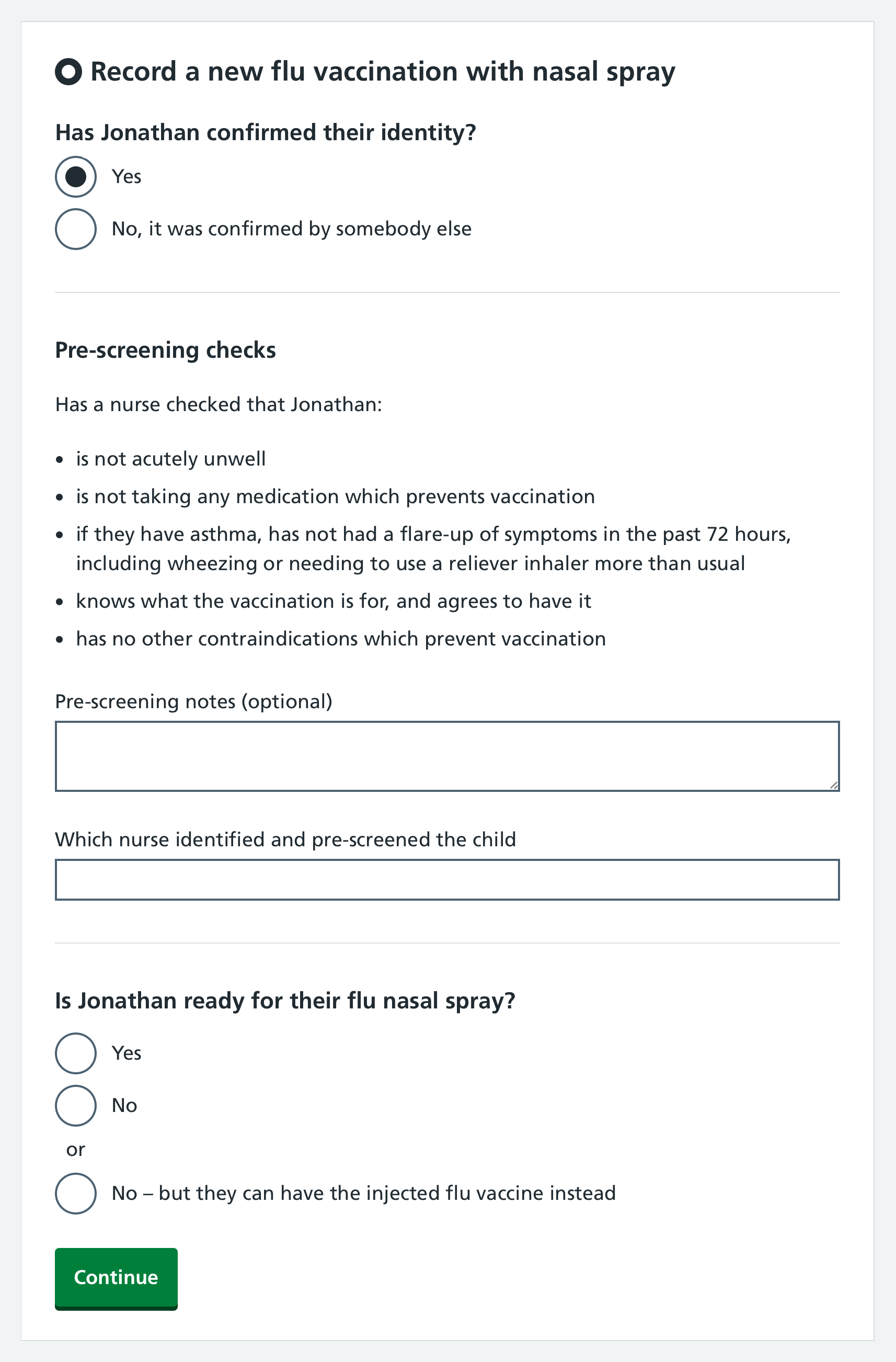
- You must select the nurse (the practitioner) who identified and pre-screened the child.
- Mavis will automatically assign you as the vaccinator and recorder.