Movers out
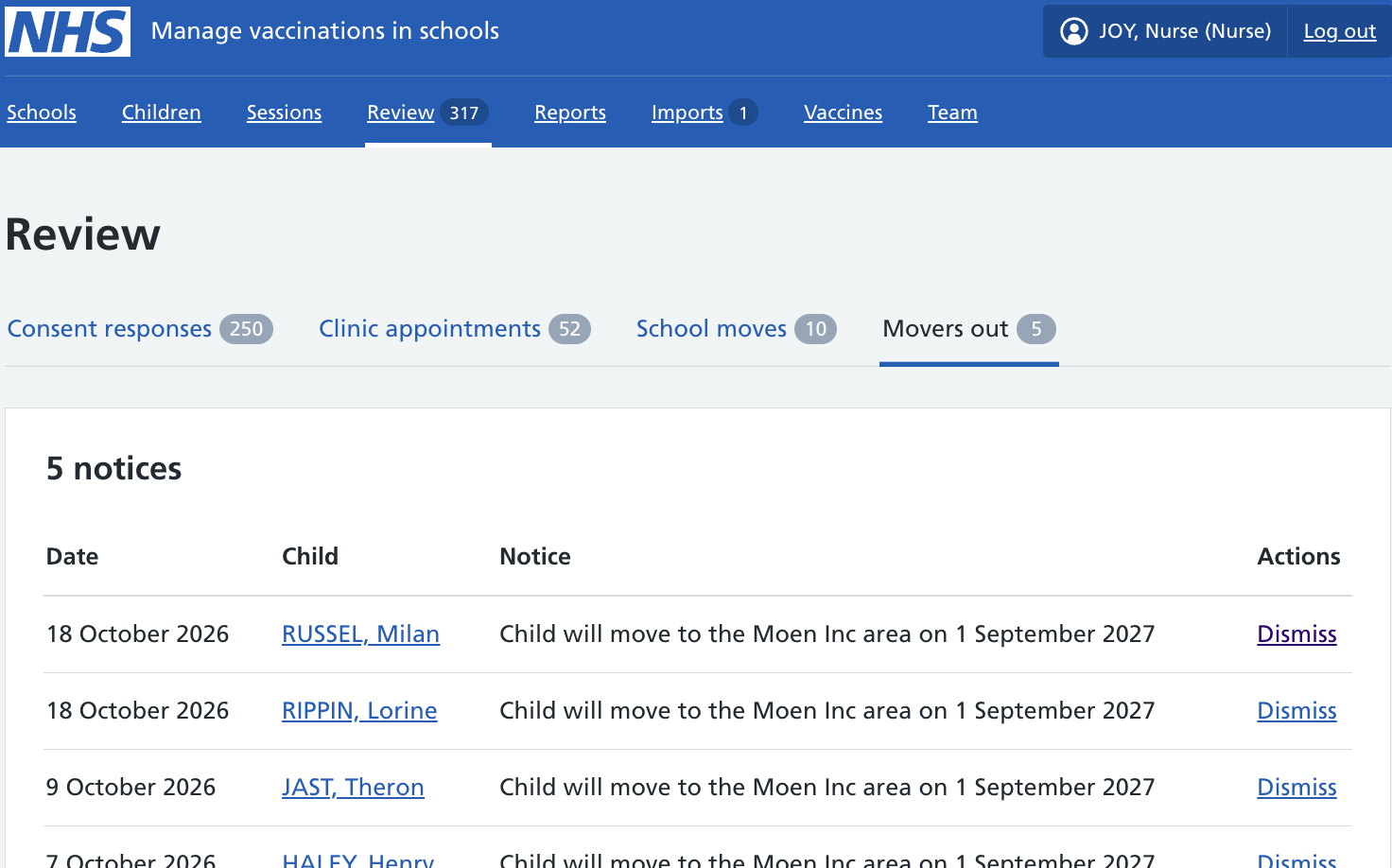
A ‘movers out’ notice tells you that a child who was in your cohort has moved out of your area into another SAIS team’s area.
Reviewing movers out
To see if any children have moved out of your area:
- Go to Review in the main navigation.
- Select Movers out.
Dismissing movers out
You can dismiss a movers out notice once you have seen and, if necessary, acted on it.
Dismissing the notice removes it from the movers out list for your team. It will still be visible on the child record.