Adding or editing a clinic
Clinic sessions can only be set up for clinics that have been added to Mavis.
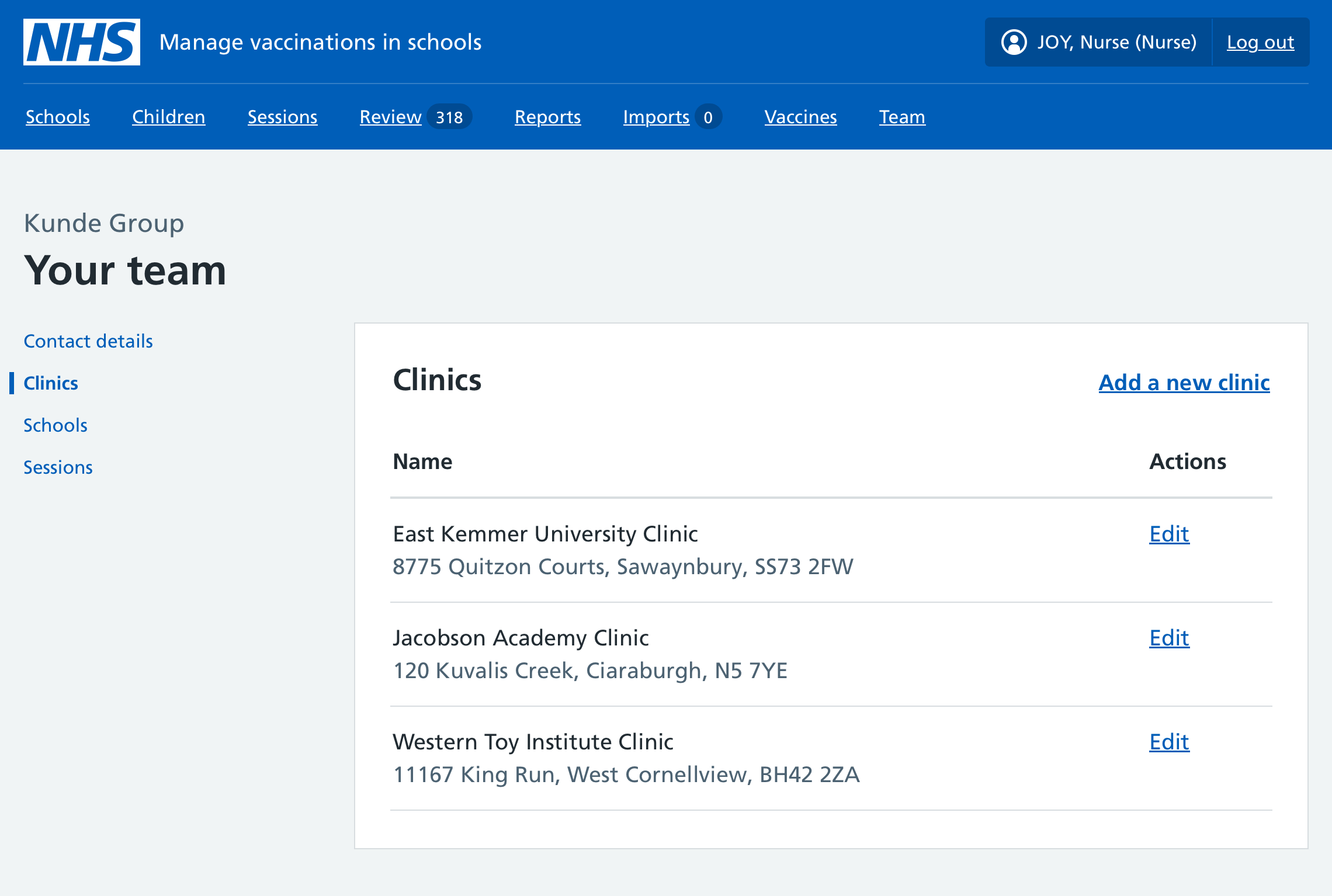
To add or edit a clinic, select Team in the Mavis navigation, then Clinics.
Note:
To record a home visit, do not add a new clinic. Record the child as already vaccinated instead. To do this, select Children in the Mavis navigation, then find the relevant child record. In the child record, select the tab for the vaccination programme. Select Record as already vaccinated at the top of the page and complete the remaining information.
Adding a clinic
- Select Add a new clinic.
- Enter the new clinic’s details. The ODS and CarePlus codes are optional.
Duplicate clinics
After you enter the address, Mavis shows you a warning if another clinic exists in Mavis at the same postcode. You will also see the existing clinic’s details.
You can:
- cancel creating a new clinic, if it’s a duplicate
- add the existing clinic to your team, if it was created by another team and you want to use it
- keep creating a new clinic, if you’re sure it’s not a duplicate
Editing a clinic
Select Edit clinic to update information about an existing clinic.