Managing protocols for flu vaccinations
Protocols (also called ‘directions’) are official rules that let healthcare staff give vaccinations to groups of people without needing an individual prescription for each child. There are 3 directions available for giving flu vaccinations:
- patient group direction (PGD)
- vaccine group direction (VGD)
- patient specific direction (PSD)
Patient group direction (PGD)
Under a PGD, only registered nurses and health professionals such as pharmacists and paramedics can vaccinate. They can give either the injected vaccine or nasal spray.
Vaccine group direction (VGD)
Under a VGD, nurses, health professionals and healthcare assistants (HCAs) can give either the injected flu vaccine or nasal spray.
If you’re a nurse giving the vaccination, you should record the practitioner (who assessed the child), the vaccinator (who prepared and administered the vaccine), and the recorder as yourself.
If you’re an HCA giving the vaccination, a nurse must assess the child first.
Then you select:
- the nurse as the practitioner
- yourself as the vaccinator and recorder
Patient specific direction (PSD)
HCAs can vaccinate children with a PSD added but only with the nasal spray (see Enabling PSDs in Mavis).
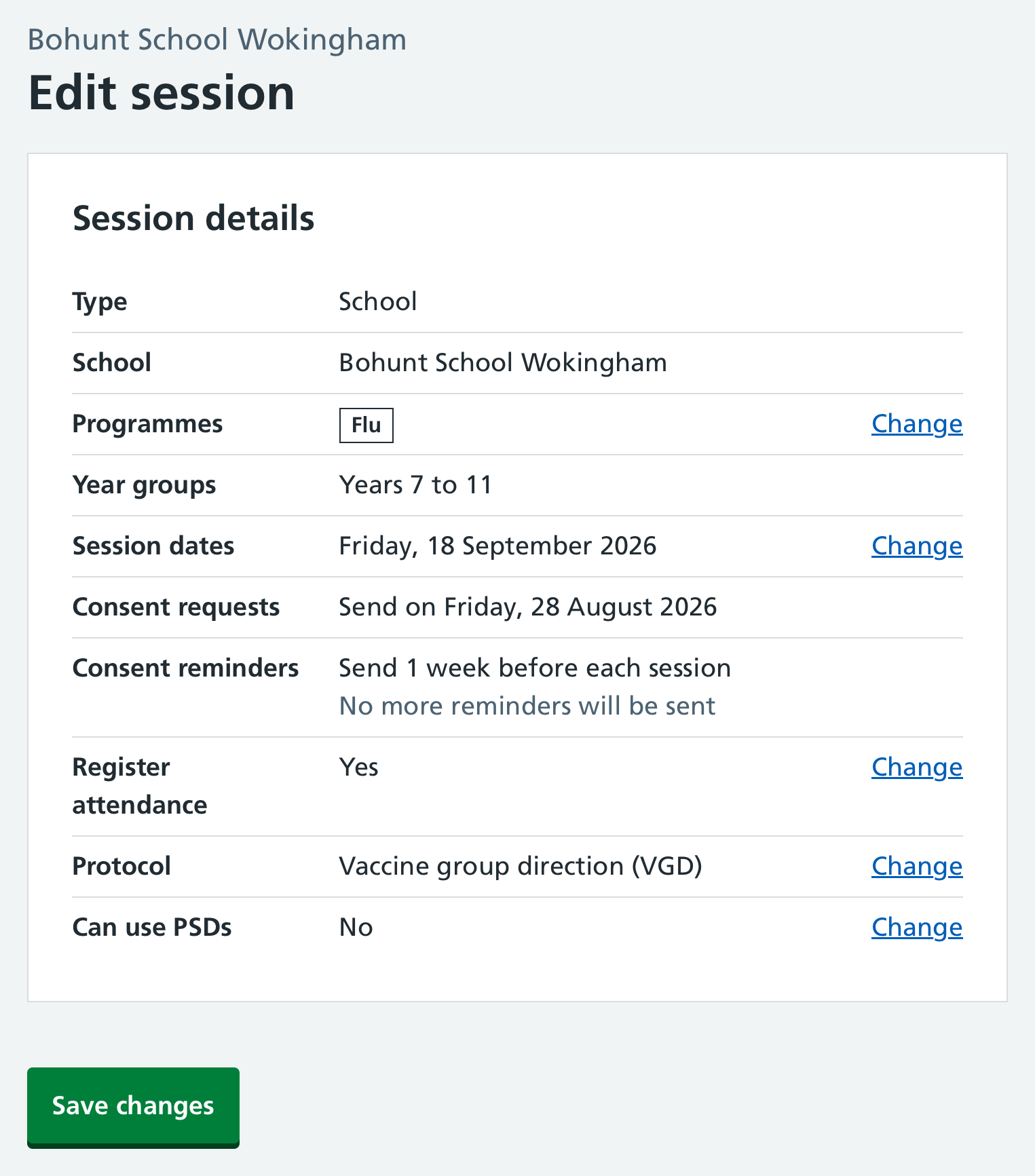
Selecting a protocol in Mavis
To select or change a protocol:
- Go to the relevant flu session in Mavis and select Edit session.
- Select Change on the Protocol row.