Keeping track of school sessions
All sessions in Mavis have an overview page that shows a summary of the vaccination session.
- Go to Sessions.
- Find the session you want, then select it. The Overview tab opens automatically.
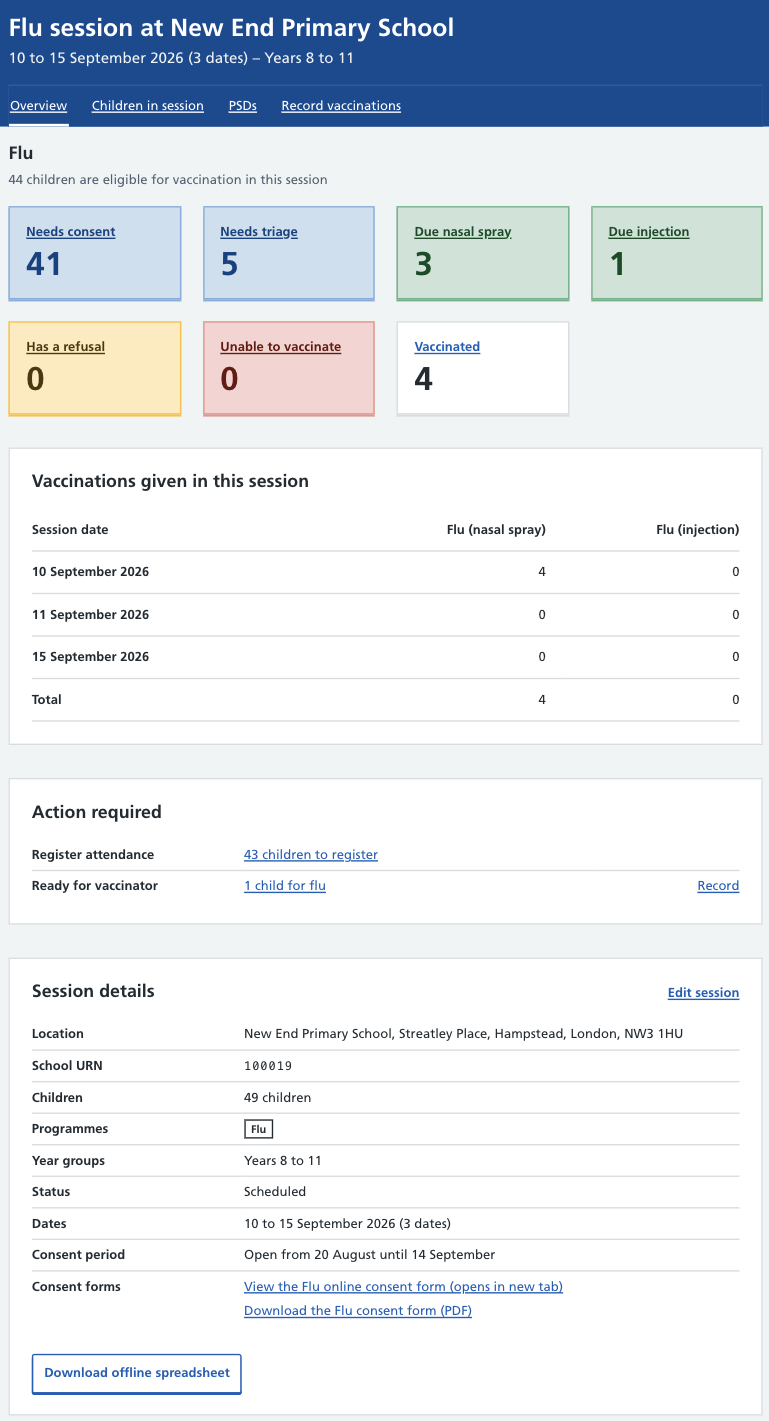
The session overview includes:
- the vaccination programmes offered at the session, with a breakdown of key data for each programme
- how many vaccinations have been given during the session (by the team as a whole), shown by programme
- the session dates
- any actions needed to progress the session
- details about the school
You can use the information on this page to help plan the session, monitor progress while it’s taking place, and review it afterwards.
Details update automatically when changes are made in Mavis.