Adding notes
You can add notes to child records and session records in Mavis.
Notes are visible to all users and cannot be edited or deleted.
Add notes to a child record
You can add notes to a child’s record in Mavis to record information that is relevant across all vaccination programmes and sessions.
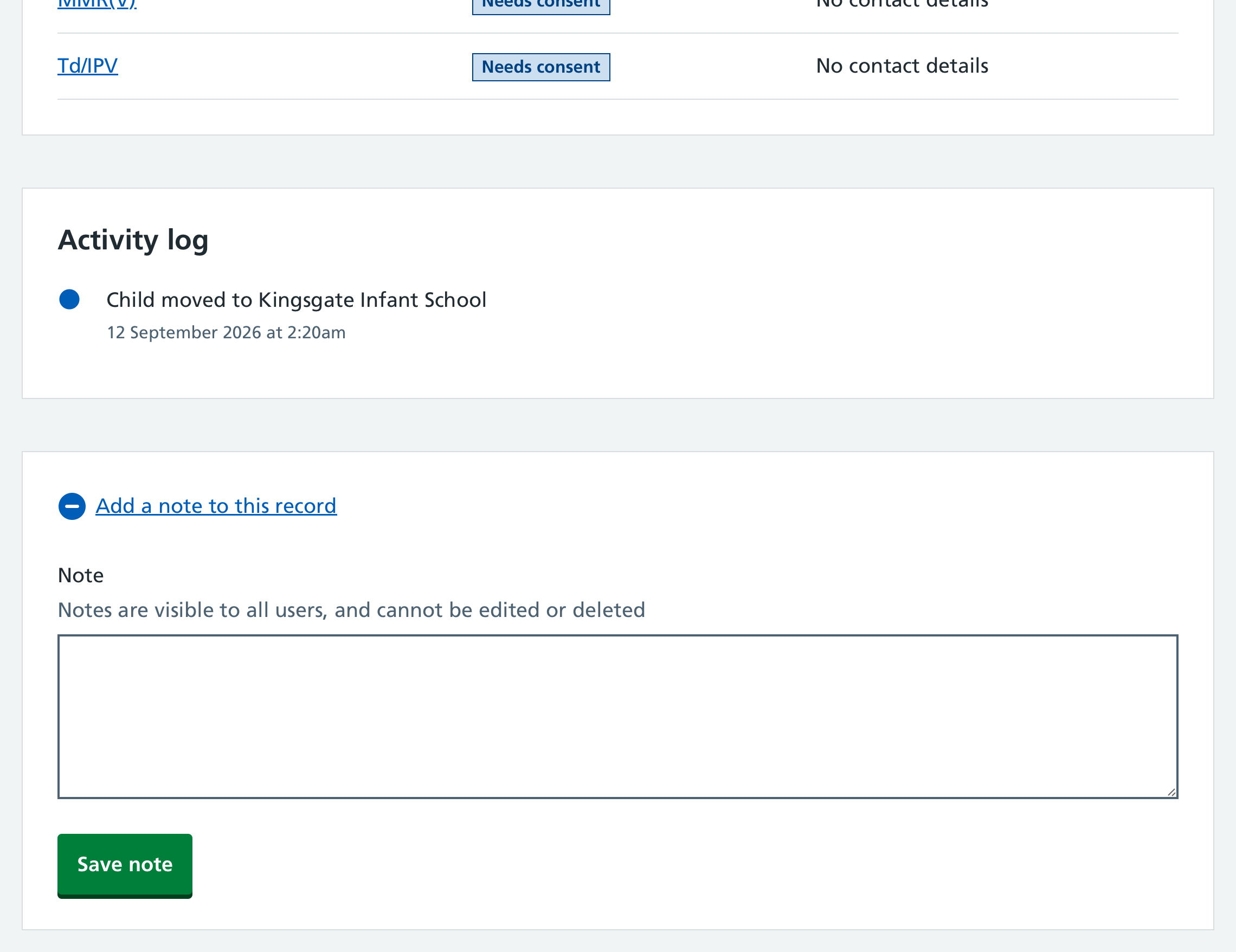
Notes appear in the Activity log section of the child record.
To add notes to a child record:
- From the dashboard or top navigation, go to Children.
- Search for the child and select their name to open the child record.
- Select Add a note to this record at the bottom of the page.
- Enter your note and select Save note.
Add notes to a child’s session record
You can add notes to a child’s session record to record information that is relevant to a specific vaccination session.
You can add notes:
- while completing tasks in a session, such as:
- reviewing health questions and recording a triage decision
- completing pre-screening checks
- confirming the vaccination outcome on the Check and confirm page
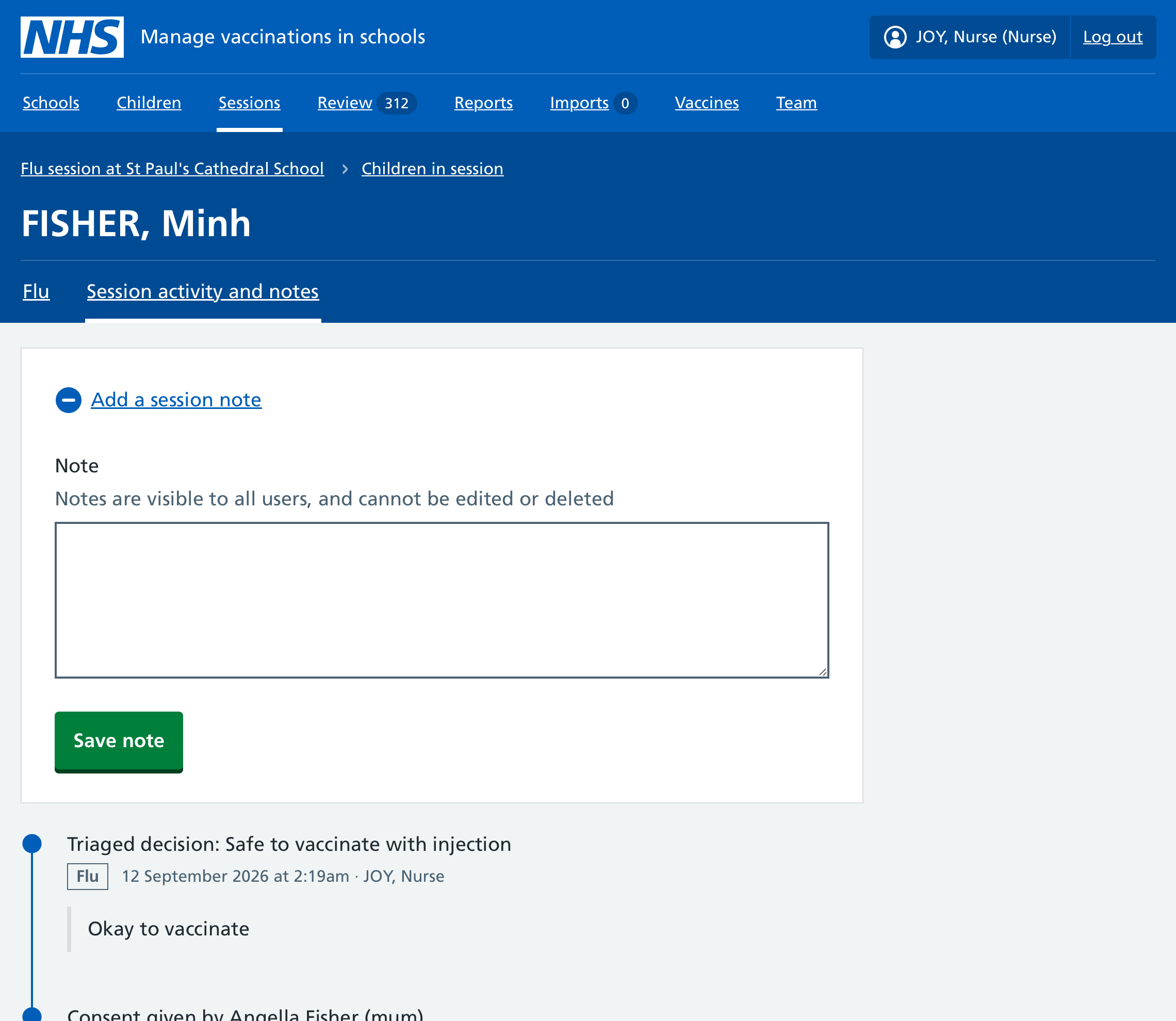
- directly on the Session activity and notes tab
All notes relating to a session appear on the Session activity and notes tab in the child’s session record, along with the activity timeline for that session.
The latest note added directly on the Session activity and notes tab is also shown on the child’s summary card in session search results.
To add a session note from the Session activity and notes tab:
- Go to Sessions and select the relevant session.
- Go to the Children in session tab and search for the child.
- Select the child’s name to open their session record.
- Go to the Session activity and notes tab.
- Select Add a session note.
- Enter your note and select Save note.